Few points, true shapes
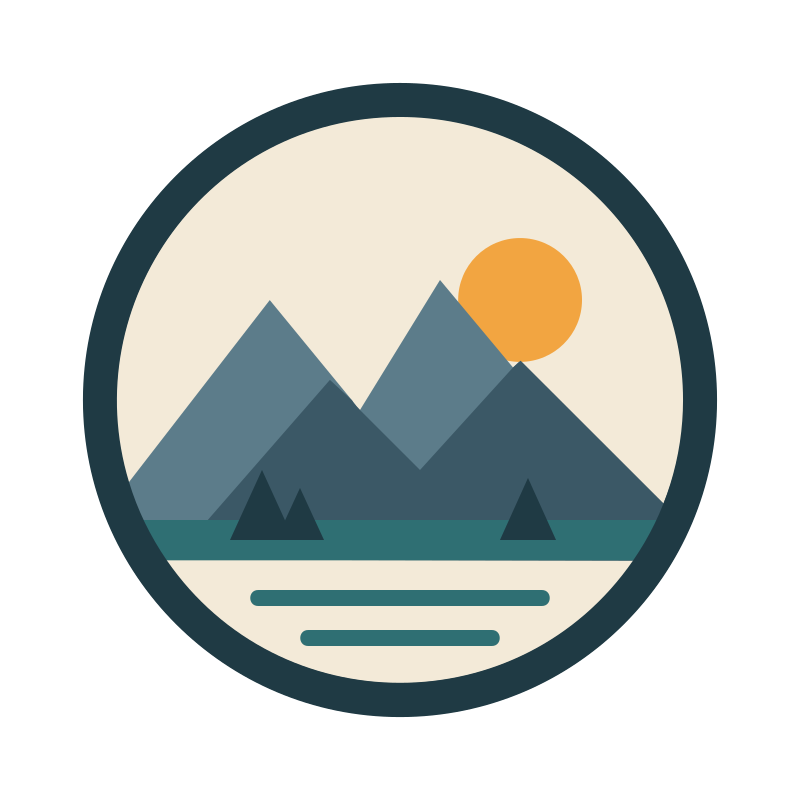
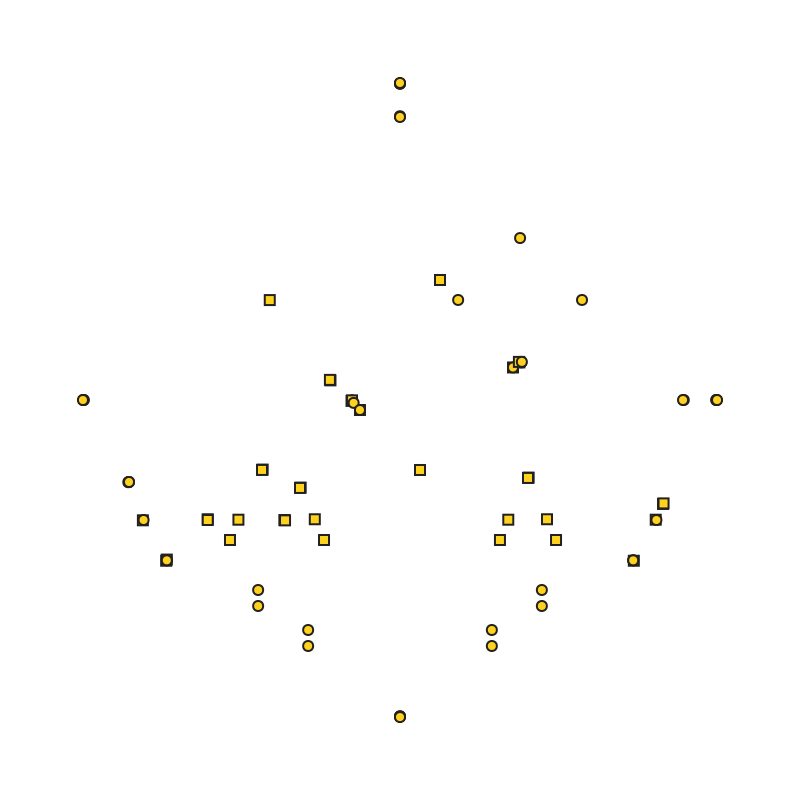
Straight edges become straight lines and round ones become circles and smooth curves. The whole badge above is 79 points.
Upload a PNG or JPG. Vectaro redraws it as SVG shapes with smooth curves, few points and real gradients. Check the result for free, pay only when you download.


Straight edges become straight lines and round ones become circles and smooth curves. The whole badge above is 79 points.
A colour fade comes back as one gradient fill, not a stack of bands. Switch gradients off and each fade becomes one flat colour.
Letters come back as clean filled shapes with sharp corners and even curves, ready to recolour or cut.
One trace, written three ways. Pick the one that suits the job.
A PNG, JPG or WEBP up to 15 MB. Choose it, drop it on the page or paste it.
Compare the vector with your image and look over every path and point. No account needed.
Pay for one, use a pack or go unlimited. You get the Layered, Flat and Cut SVG.
Use the largest, sharpest copy you have, and check Compare before you buy.
Tracing and checking is free. You pay for the files.